Nissan Murano: Removal and Installation / Av Control Unit
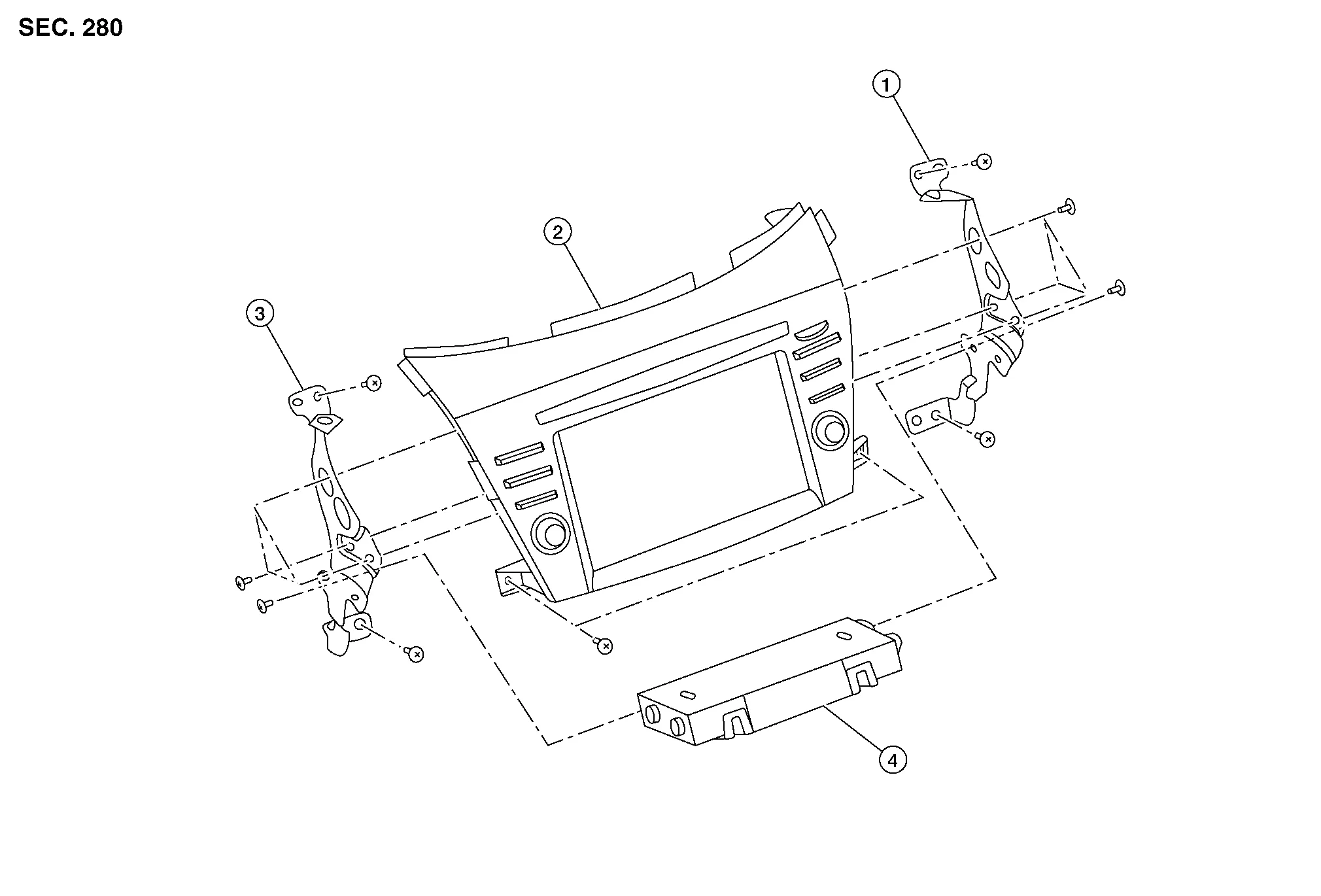
| 1. | AV control unit bracket (RH) | 2. | AV control unit | 3. | AV control unit bracket (LH) |
| 4. | A/C auto amp. |
REMOVAL
CAUTION:
Before disconnecting the AV control unit and battery terminals, turn the ignition switch OFF and wait at least 30 seconds.
 NOTE:
NOTE:
-
Before replacing AV control unit, perform “Before Replace ECU” of “Read / Write Configuration” to save or print current Nissan Murano vehicle specification. Refer to Description.
-
After the ignition switch is turned OFF, the AV control unit continues operating for approximately 30 seconds.
-
Therefore, data corruption may occur if battery voltage is cut off within 30 seconds.
Disconnect the negative battery terminal. Refer to Removal and Installation.
Remove cluster lid D. Refer to Removal and Installation.
Remove A/C switch assembly. Refer to Removal and Installation.
Remove AV control unit screws then pull out AV control unit.
Disconnect the harness connectors from AV control unit and remove.
Remove AV control unit bracket (LH/RH) screws and AV control unit brackets [(LH/RH) (if necessary)].
INSTALLATION
CAUTION:
Be sure to perform “After Replace ECU” of “Read / Write Configuration” or “Manual Configuration” when replacing AV control unit. Refer to Description.
Installation is in the reverse order of removal.

 Tcu
Tcu
Removal and Installation
REMOVALCAUTION:
Before replacing TCU, perform “ADDITIONAL SERVICE WHEN REPLACING TCU”. For details, refer to Description.
Remove the cluster lid D...
Other information:
Nissan Murano (Z52) 2015-2024 Service Manual: Audio System
Symptom Table RELATED TO AUDIO Symptoms Check items Probable malfunction location The disk cannot be removed. Audio unit Malfunction in audio unit. Refer to On Board Diagnosis Function. No sound comes out or the level of the sound is low. No sound from all speakers...
Nissan Murano (Z52) 2015-2024 Service Manual: Hill Start Assist Function
System Description SYSTEM DIAGRAM This function maintains brake fluid pressure so that the vehicle does not move backward even if brake pedal is released to depress accelerator pedal to start the Nissan Murano vehicle while it is stopped on an uphill slope by depressing brake pedal...
Categories
- Manuals Home
- Nissan Murano Owners Manual
- Nissan Murano Service Manual
- Indicator lights
- Rear bench seat adjustment
- Jacking up vehicle and removing the damaged tire
- New on site
- Most important about car
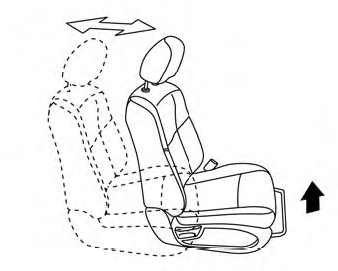
Front manual seat adjustment (if so equipped)
Your vehicle seats can be adjusted manually. For additional information about adjusting the seats, refer to the steps outlined in this section.
Forward and backward