
Nissan Murano: Over Fender / Front Over Fender
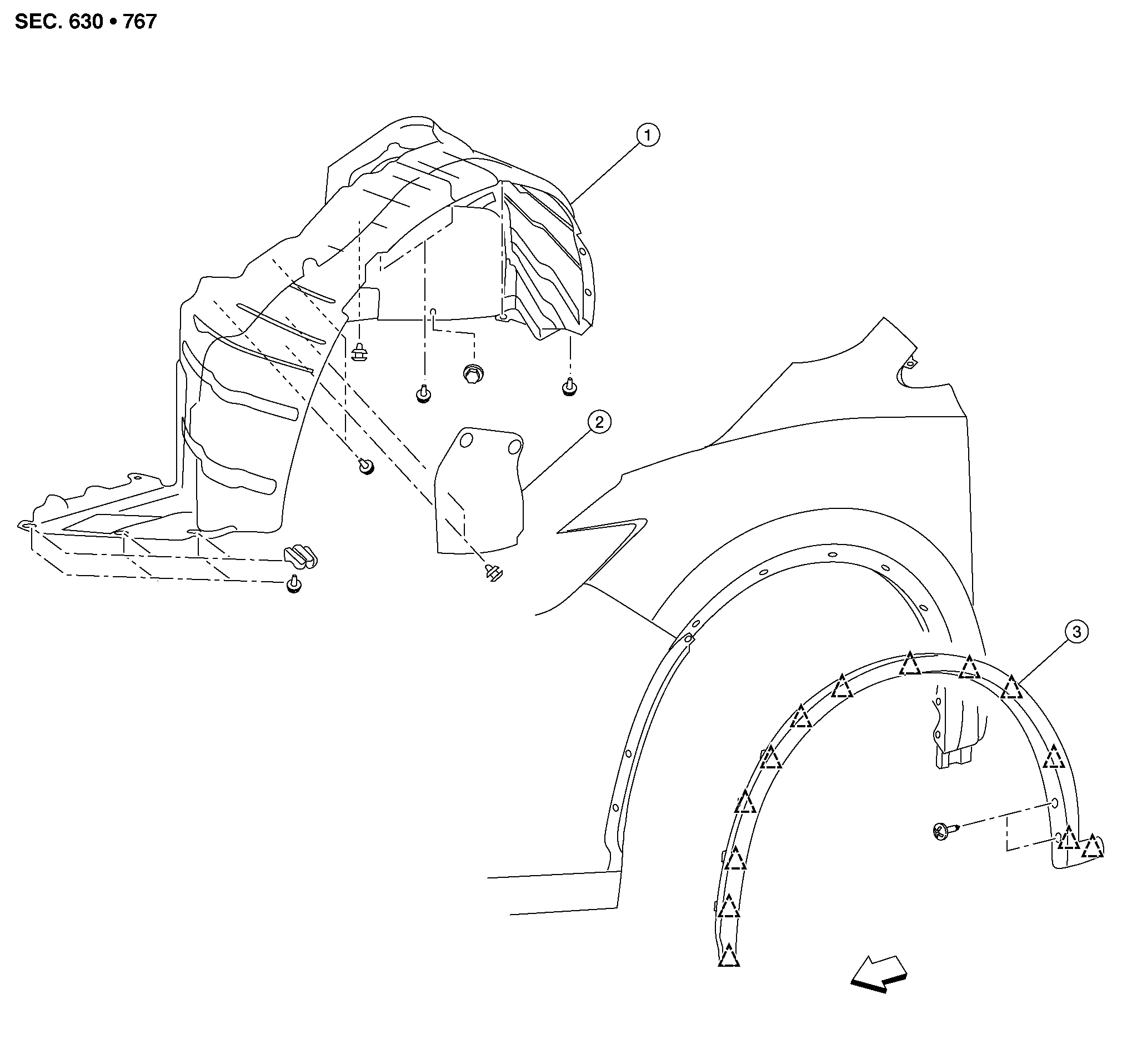
| 1. | Front fender protector | 2. | Engine side cover | 3. | Front over fender |
 |
Clip |  |
Front |
REMOVAL
Remove front and rear screws.
Release clips using suitable tool and remove.
INSTALLATION
Installation is in the reverse order of removal.
CAUTION:
-
Visually check the clips for deformation and damage during installation. Replace with new ones if necessary.
-
When installing front over fender, check that clips are securely placed in body panel holes.
 Over Fender
..
 Rear Over Fender
Exploded View
1.
Rear wheel house protector
2.
Rear over fender
Clip
Front
Removal and Installation
REMOVALRemove rear over fender screws...
Other information:
Nissan Murano (Z52) 2015-2024 Service Manual: Horn :: Precaution. Precautions
Precaution for Supplemental Restraint System (SRS) "AIR BAG" and "SEAT BELT PRE-TENSIONER" The Supplemental Restraint System such as “AIR BAG” and “SEAT BELT PRE-TENSIONER”, used along with a front seat belt, helps to reduce the risk or severity of injury to the driver and front passenger for certain types of collisions...
Nissan Murano (Z52) 2015-2024 Service Manual: Tsr
System Description SYSTEM DIAGRAMADAS CONTROL UNIT INPUT/OUTPUT SIGNAL ITEMInput Signal Item Transmit unit Signal name Description ABS actuator and electric unit (control unit) CAN communication Nissan Murano Vehicle speed signal (ABS) Receives wheel speeds of front wheels...
Categories
- Manuals Home
- Nissan Murano Owners Manual
- Nissan Murano Service Manual
- GAS STATION INFORMATION
- Settings
- Indicator lights
- New on site
- Most important about car
Seatback pockets
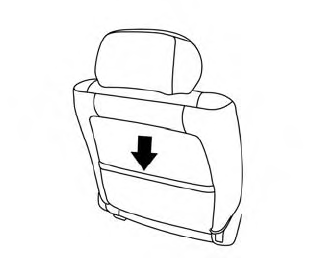
Theremaybe one or two seatback pockets located on the back of the driver and passenger seats. The pockets can be used to store maps.
WARNING

Copyright © 2026 www.nimurano.com