Nissan Murano: Brake System :: Basic Inspection / Brake Booster
VACUUM INSPECTION
Idle the engine for one minute to apply vacuum to the brake booster. Stop the engine. Depress the brake pedal several times at five second intervals until the accumulated vacuum is released to atmospheric pressure. Check that the clearance between brake pedal and dash lower panel gradually increases (A —>B —>C) each time the brake pedal is depressed during this operation.
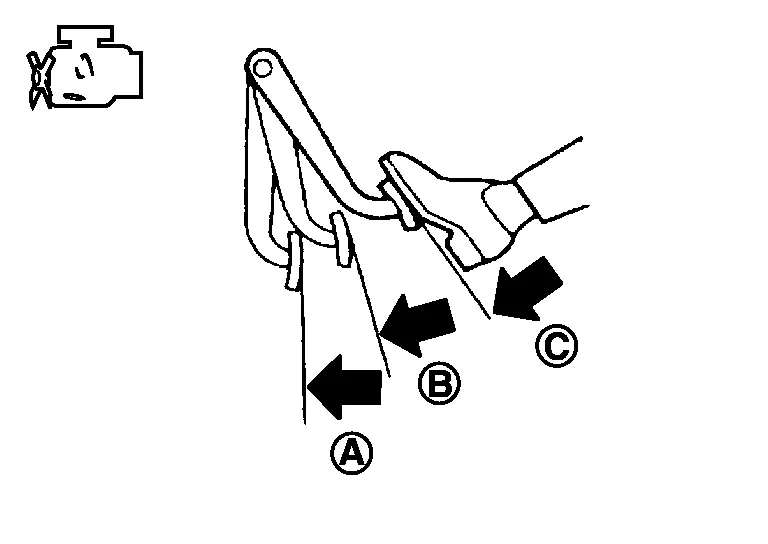
Depress the brake pedal with the engine running. Then stop the engine while holding down the brake pedal. Check that the brake pedal stroke does not change after holding down the brake pedal for 30 seconds or more.
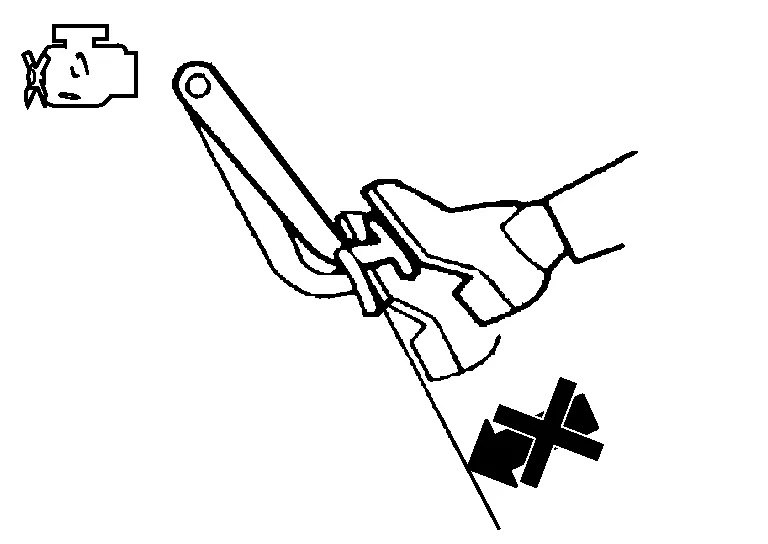
 NOTE:
NOTE:
A slight impact with a small click may be felt on the pedal when the brake pedal is fully depressed. This is normal brake system operation.
OPERATION
Depress the brake pedal several times at five second intervals with the engine stopped. Start the engine with the brake pedal fully depressed. Check that the clearance between brake pedal and dash lower panel decreases.
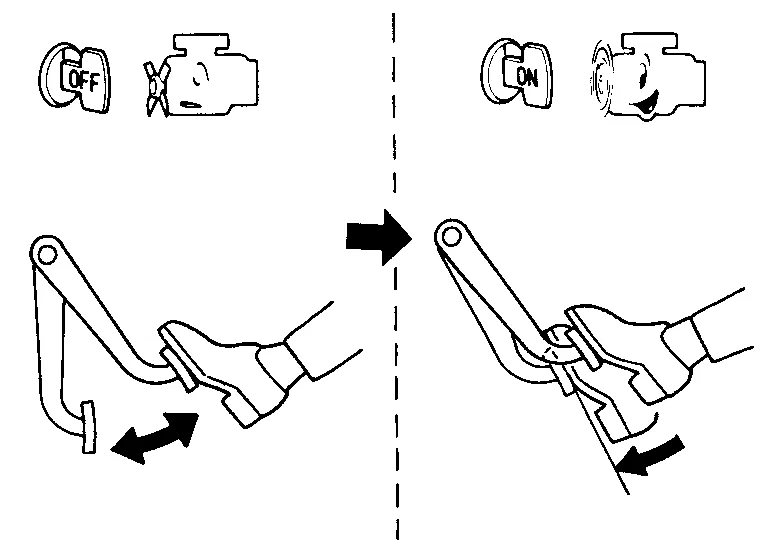
NOTE:
A slight impact with a small click may be felt on the pedal when the brake pedal is fully depressed. This is normal brake system operation.
 Brake Master Cylinder
Inspection
Check for brake fluid leakage at the following areas:
Master cylinder mounting face
Reservoir tank mounting face
Sub tank mounting face
Brake tube and brake tube connections
Brake hose and brake hose connections
If any brake fluid leakage is found, repair as necessary...
 Front Disc Brake. Disc Brake Rotor
Inspection
Check for uneven wear of the disc brake rotor using a micrometer. Replace the disc brake rotor if the thickness is below the wear limit. Thickness variation (measured at 8 positions)
: Refer to Front Disc Brake...
Other information:
Nissan Murano (Z52) 2015-2024 Service Manual: P0746 Pressure Control Solenoid a
DTC Description DTC DETECTION LOGIC DTC CONSULT screen terms (Trouble diagnosis content) DTC detection condition P0746 PC SOLENOID A (Pressure Control Solenoid A Performance/Stuck Off) 1 Diagnosis condition When all of the following conditions are satisfied: Engine speed: More than 600 rpm Primary pulley speed: More than 450 rpm Idle is not being detected...
Nissan Murano (Z52) 2015-2024 Service Manual: Cvt Position
Inspection and Adjustment INSPECTIONTurn ON the ignition switch with the shift selector at the “P” position. Press the shift selector button with the brake pedal depressed, and confirm that the shift selector can be moved to positions other than “P”...
Categories
- Manuals Home
- Nissan Murano Owners Manual
- Nissan Murano Service Manual
- All-Wheel Drive (AWD) (if so equipped)
- Indicator lights
- Tire rotation
- New on site
- Most important about car
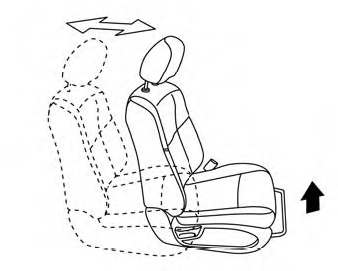
Front manual seat adjustment (if so equipped)
Your vehicle seats can be adjusted manually. For additional information about adjusting the seats, refer to the steps outlined in this section.
Forward and backward